

LTX-Video
Collection
LTX-Video 0.9.5+ model weights for candle-video • 2 items • Updated
This repository provides a high-performance, native Rust implementation of LTX-Video using the Candle ML framework.
| Video | Prompt |
|---|---|
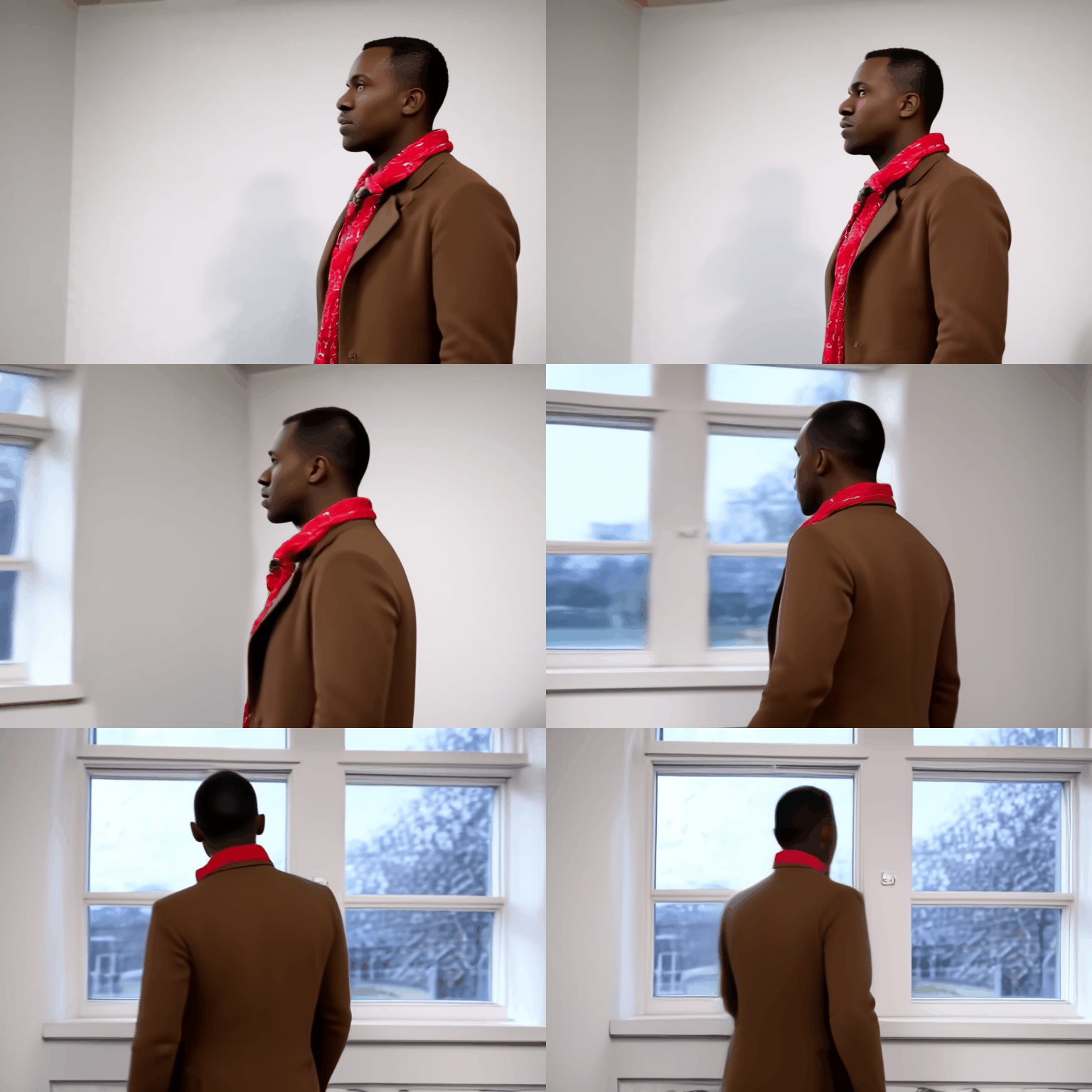 |
A man walks towards a window, looks out, and then turns around. He has short, dark hair, dark skin, and is wearing a brown coat over a red and gray scarf. He walks from left to right towards a window, his gaze fixed on something outside. The camera follows him from behind at a medium distance. The room is brightly lit, with white walls and a large window covered by a white curtain. As he approaches the window, he turns his head slightly to the left, then back to the right. He then turns his entire body to the right, facing the window. The camera remains stationary as he stands in front of the window. The scene is captured in real-life footage. |
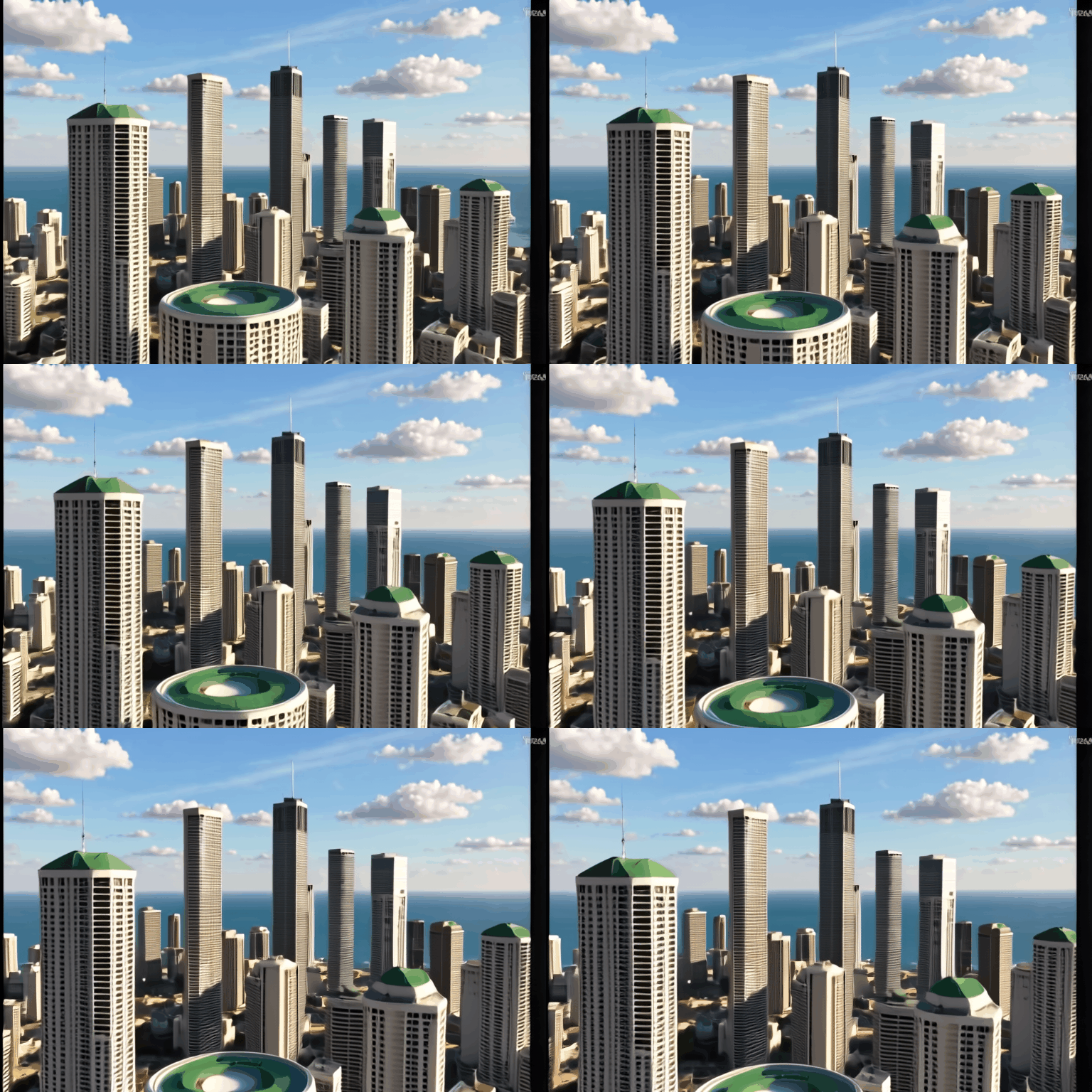 |
The camera pans across a cityscape of tall buildings with a circular building in the center. The camera moves from left to right, showing the tops of the buildings and the circular building in the center. The buildings are various shades of gray and white, and the circular building has a green roof. The camera angle is high, looking down at the city. The lighting is bright, with the sun shining from the upper left, casting shadows from the buildings. The scene is computer-generated imagery. |
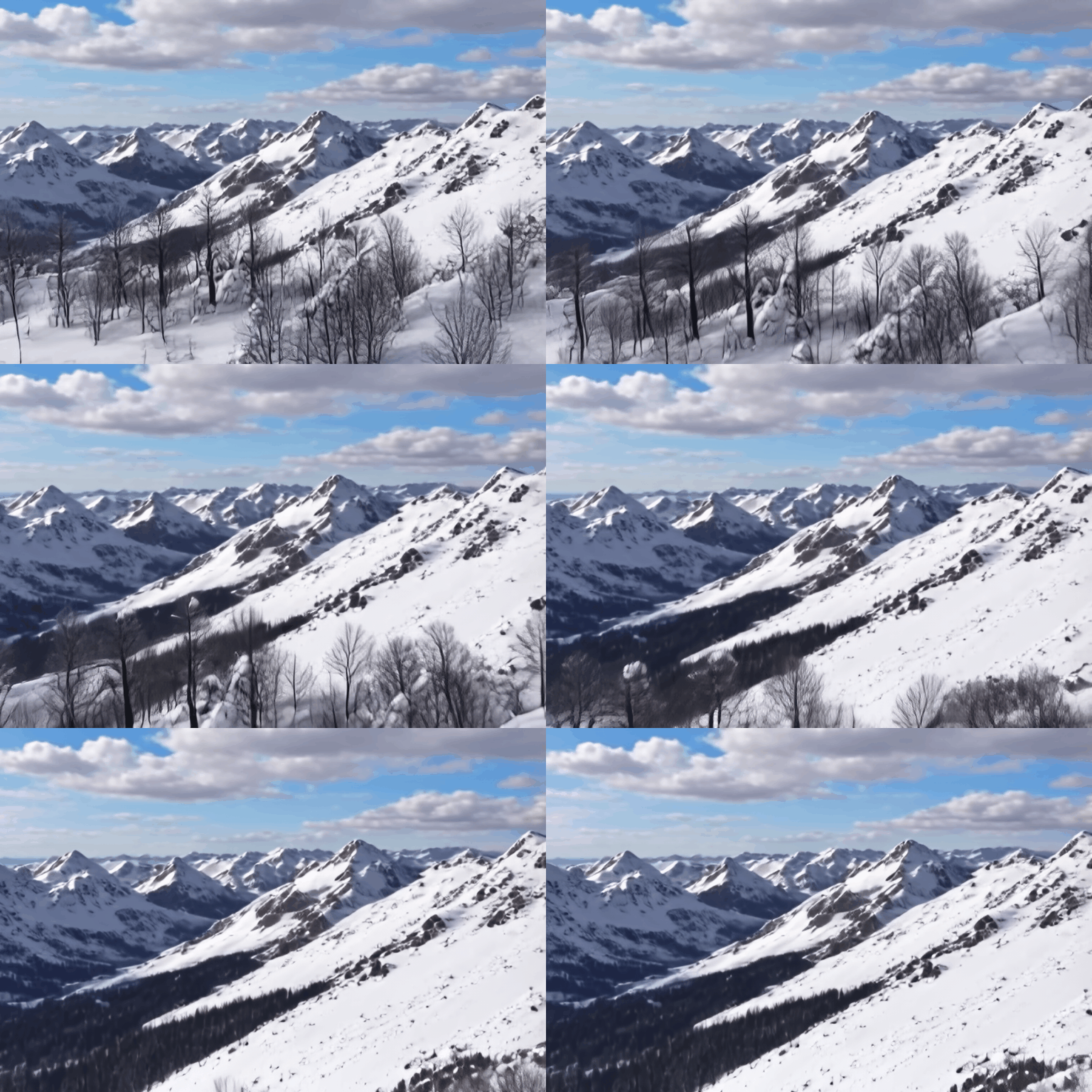 |
The camera pans over a snow-covered mountain range, revealing a vast expanse of snow-capped peaks and valleys.The mountains are covered in a thick layer of snow, with some areas appearing almost white while others have a slightly darker, almost grayish hue. The peaks are jagged and irregular, with some rising sharply into the sky while others are more rounded. The valleys are deep and narrow, with steep slopes that are also covered in snow. The trees in the foreground are mostly bare, with only a few leaves remaining on their branches. The sky is overcast, with thick clouds obscuring the sun. The overall impression is one of peace and tranquility, with the snow-covered mountains standing as a testament to the power and beauty of nature. |
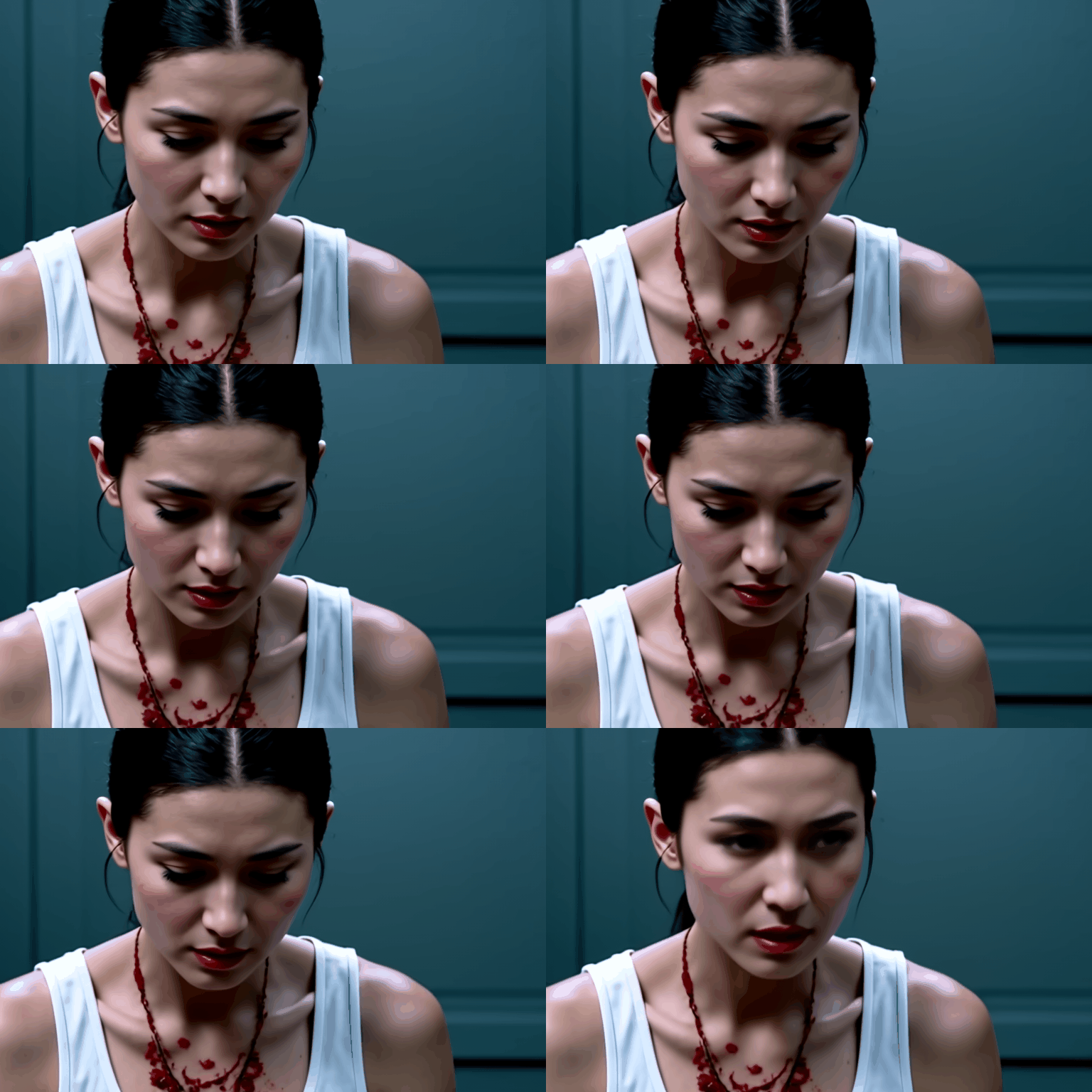 |
A woman with blood on her face and a white tank top looks down and to her right, then back up as she speaks. She has dark hair pulled back, light skin, and her face and chest are covered in blood. The camera angle is a close-up, focused on the woman's face and upper torso. The lighting is dim and blue-toned, creating a somber and intense atmosphere. The scene appears to be from a movie or TV show. |
Ensure you have Rust and the CUDA Toolkit installed, then:
git clone https://github.com/FerrisMind/candle-video
cd candle-video
cargo build --release --features flash-attn,cudnn
cargo run --example ltx-video --release --features flash-attn,cudnn -- \
          --local-weights "c:\model\models\ltxv-2b-0.9.8-distilled" \
          --unified-weights "c:\model\models\ltxv-2b-0.9.8-distilled" \
          --ltxv-version 0.9.8-2b-distilled \
          --prompt "A woman with blood on her face and a white tank top looks down and to her right, then back up as she speaks."
| Resolution | Frames | VRAM (BF16) | VRAM (VAE Tiling) |
|---|---|---|---|
| 512x768 | 97 | ~8-12 GB | ~8 GB |
Note: Using GGUF T5 encoder saves an additional ~8-12GB of VRAM.
For more details, visit the main GitHub Repository.
5-bit
Base model
Lightricks/LTX-Video