---
viewer: false
language:
- en
license: apache-2.0
task_categories:
- robotics
pretty_name: ArtVIP
tags:
- usd
- articulations
- Robotics simulation
Modalities:
- 3D
Formats:
- webdataset
---
# ArtVIP dataset card
[](https://opensource.org/licenses/Apache-2.0)
[](https://x-humanoid-artvip.github.io/)
[](https://huggingface.co/datasets/x-humanoid-robomind/ArtVIP)
[](https://arxiv.org/abs/2506.04941)
[](https://huggingface.co/papers/2506.04941)
## πππ ArtVIP is accepted by ICLR 2026
## Key Features
β
428 high-quality digital-twin articulated objects.

β
6 pre-configured digital-twin scenes, 6 user-defined scenes
β
Reusable Modular interaction
β
Physics fidelity
β
Pixel-level affordance annotations
****
---
## [Version History](./assets/Release_history.md)
[Click here](./assets/Release_history.md) to view historical versions
| Version | Release Date | Description | Highlights |
|---------|--------------|-----------------------------------------------------------------------------|------------|
| v1.3 | 2026-05 | Expanded the dataset. | β
Added new 3D models β
Increased total articulated models to 428 |
| v1.2 | 2026-03 | Added new asset categories and simplified USD joint control code. | β
Added 37 IKEA furniture assets (`Ikea_furniture`) β
Added 15 medical equipment assets (`Medical_equipment`) β
Simplified USD joint control code |
| v1.1 | 2025-08 | Optimized the details of interactive scenes. | β
Modify interactive scene joint drive configuration β
Optimize collision volume decomposition within interactive scenes β
Including 48 modular interactive objects |
| v1.0 | 2025-06 | Initial release of ArtVIP dataset | β
206 articulated objects β
6 interactive scenes β
6 digital twin scenes |
### Dataset Information
### Description
[Click here](https://x-humanoid-artvip.github.io/) for a detailed dataset description and full video introduction.
### Dataset Structure
1. **Articulated objects**
[Click here](./Articulated_objects/README.md) for the introduction to Articulated objects.
The specific modular-interaction types:
Damping_Effect_cabinet
Magnetic_Effect_dishwasher
Trigger_Interactions_table
Damping_Effect_cabint
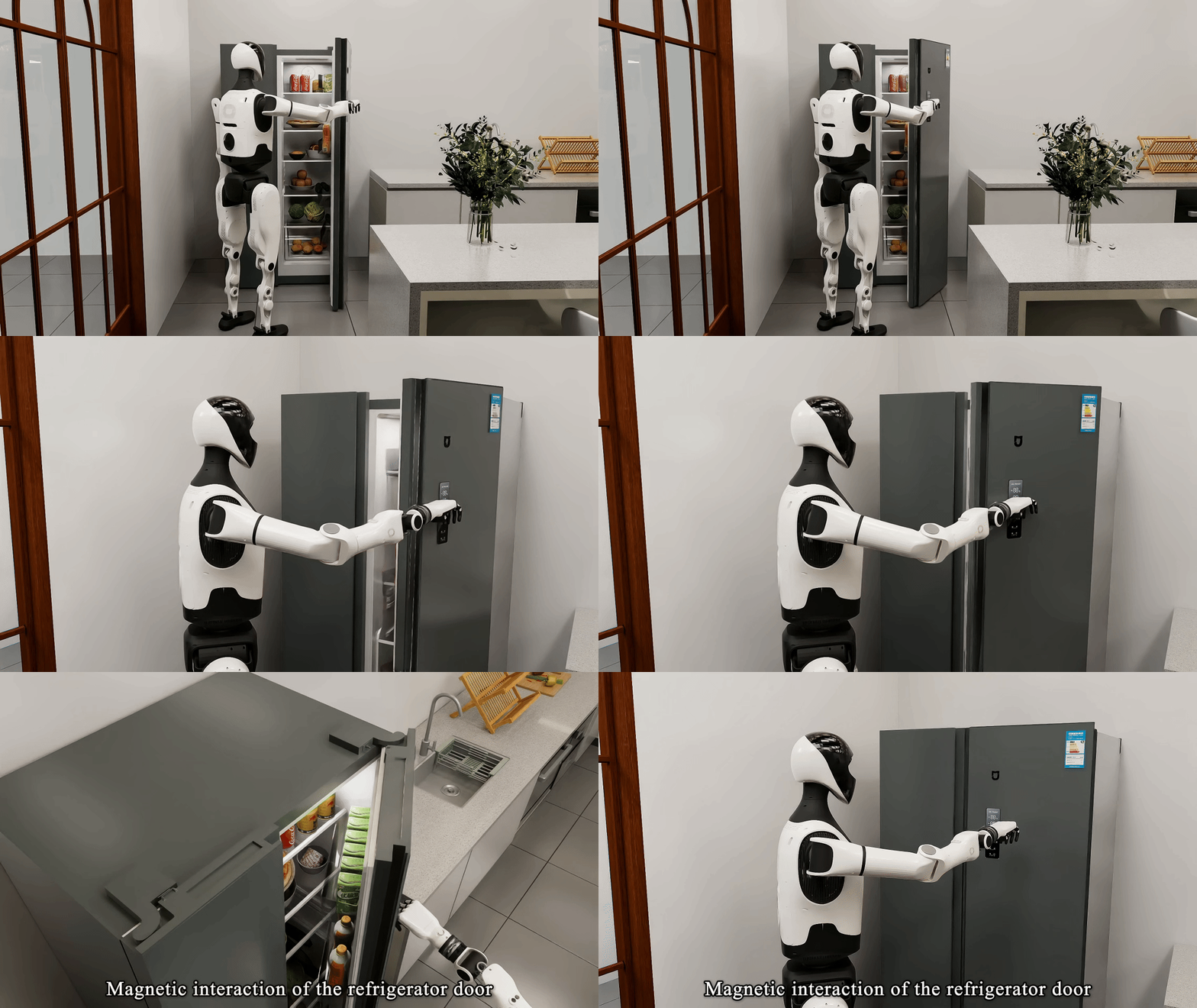
Magnetic_Effect_refrigerator
Trigger_Interactions_trash_can
2. **Scenes**
2.1 Digital Twin Scenes
π ``ArtVIP/Secenes`` contains **6** user-defined digital-twin scenes.
- [π Introduction to Digital-Twin Scenes](./Scenes/README.md)
2.2 Interactive_scene
π ``ArtVIP/Interactive_scene`` contains **6** pre-configured Interactive scenes.
- [π Introduction to Interactive scenes](./Interactive_scene/README.md)
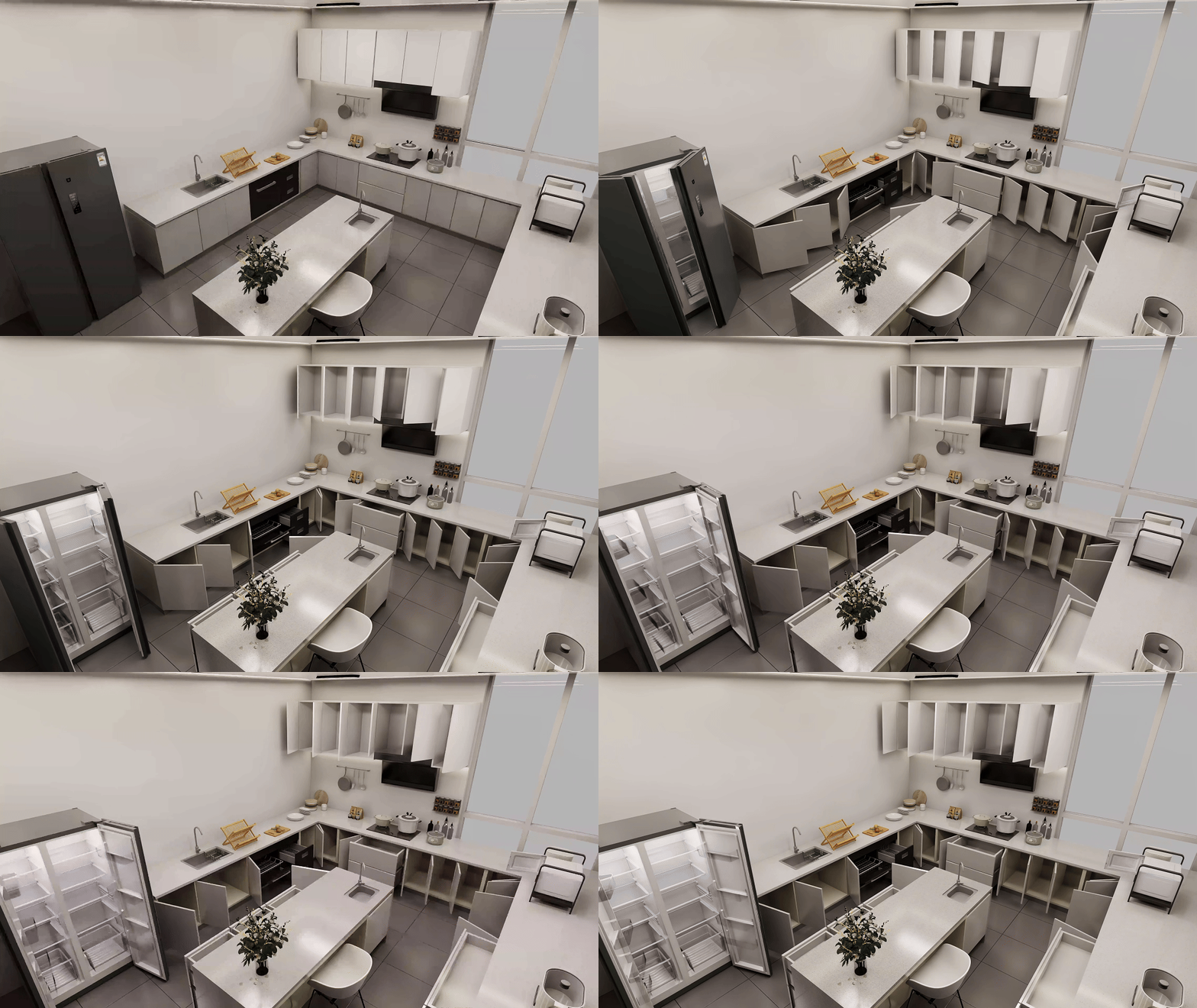
πͺ Kitchen Scene Interaction
πΊ Small Living Room Interaction
ποΈ Parlor Scene Interaction
ποΈ Bedroom Scene Interaction
---
### How to use
- This version is compatible with Isaac-Sim 5.0
1. **Install Isaac Sim 5.0 **
- Official Documentation: [https://docs.isaacsim.omniverse.nvidia.com/latest/installation/quick-install.html](https://docs.isaacsim.omniverse.nvidia.com/latest/installation/quick-install.html)
- Linux Version Download: [https://download.isaacsim.omniverse.nvidia.com/isaac-sim-standalone-5.0.0-linux-x86_64.zip](https://download.isaacsim.omniverse.nvidia.com/isaac-sim-standalone-5.0.0-linux-x86_64.zip)
- Installation steps:
```bash
# Create installation directory
mkdir ~/isaacsim
# Unzip package (assuming downloaded to ~/Downloads)
cd ~/Downloads
unzip "isaac-sim-standalone-5.0.0-linux-x86_64.zip" -d ~/isaacsim
# Run post-installation setup
cd ~/isaacsim
./post_install.sh
# Launch Isaac Sim
./isaac-sim.selector.sh
### Examples
**Interaction Demo**:
1. Locate the scene file: `/Interactive_scene/kitchen/Interactive_kitchen.usd`
2. Open in Isaac Sim and click βΆοΈ PLAY
3. **Force Application**:
- Hold `SHIFT + Left Click` and drag to apply external forces (highlighted in green in the demonstration image)
π‘ Light Switch Activation
π₯ Microwave Interaction
βοΈ Refrigerator Interaction
**Full Object Interactivity**:
π³ Kitchen Interaction Showcase
ποΈ livingroom Interaction Showcase
π§Έ childrenroom Interaction Showcase
π½οΈ kitchen_with_parlor Interaction Showcase